
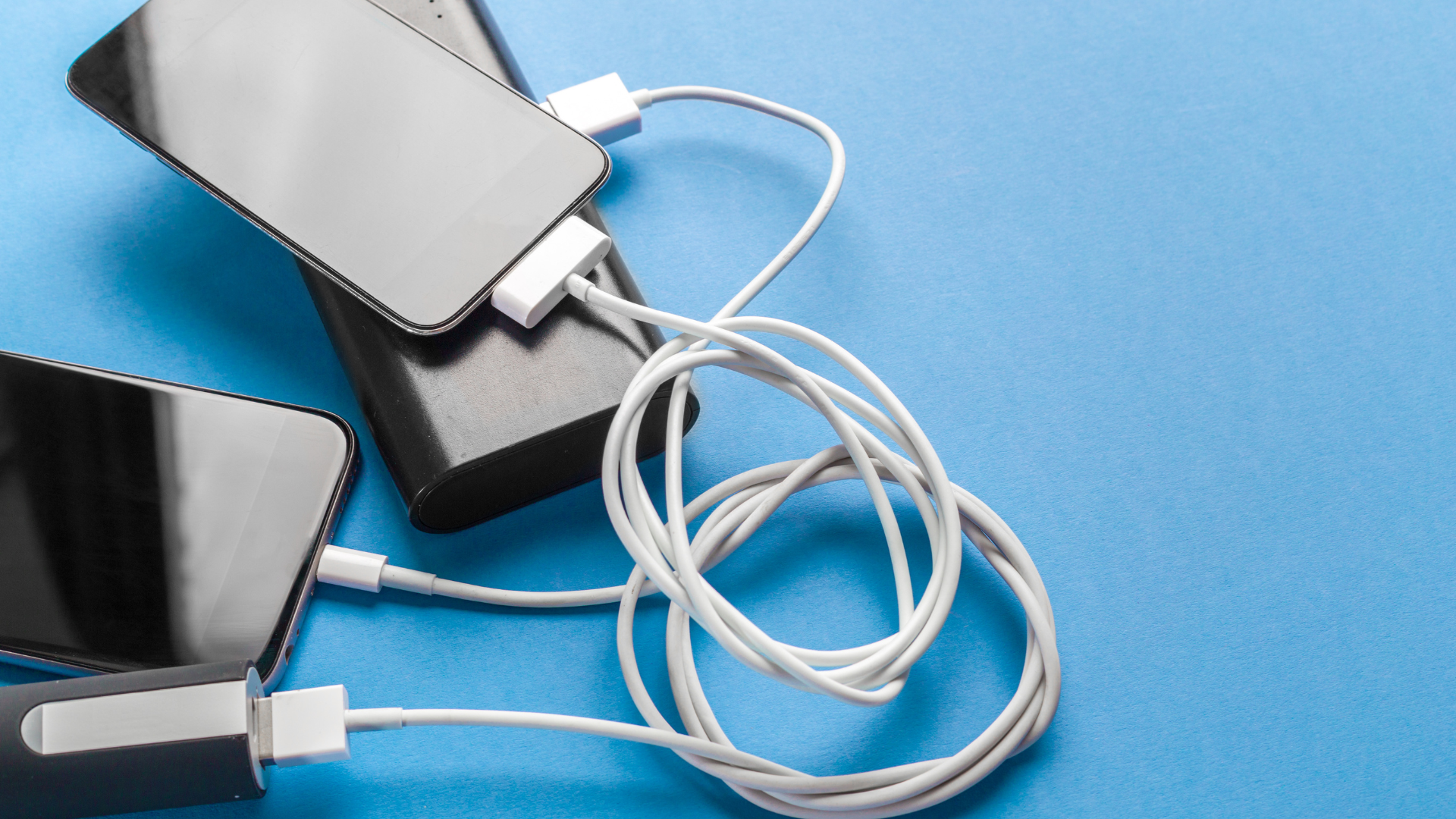
How to Extend Your Phone’s Battery Life: Proven Tips for Longer Usage
Smartphones have become an essential part of daily life, but managing their battery life can be a constant challenge. Many users find themselves searching for ways to keep their devices powered throughout the day. To extend a phone’s battery life, users can implement simple strategies like reducing screen brightness, limiting background app usage, and adjusting location settings.
Lithium-ion batteries, commonly used in modern smartphones, can degrade over time, making it even more important to adopt practices that promote longevity. Day-to-day habits can significantly impact how long a phone lasts between charges. Understanding these factors can help users maintain their devices more effectively.
By following straightforward tips, individuals can ensure their smartphones remain functional for as long as possible, avoiding the frustrations of frequent recharging. There are practical steps anyone can take today to achieve better battery performance.
Understanding Battery Technology and Maintenance
Battery technology is crucial for smartphone performance and longevity. Proper maintenance practices can enhance battery health and extend its lifespan. Several factors, including battery types, charge cycles, and temperature management, significantly influence performance.
Types of Smartphone Batteries
Most smartphones use lithium-ion batteries due to their high energy density and efficiency. These batteries typically maintain a voltage between 3.7 to 4.2 volts. There are variations, including lithium polymer, which allow for flexible designs but may have slightly less energy density.
Understanding the type of battery can help users take better care of their devices. For example, lithium-ion batteries should not be completely discharged, as this can lead to deep discharge, which is detrimental to battery health.
Battery Health and Charge Cycles
Battery health relates to its capacity to hold a charge relative to when it was new. Users should be aware of charge cycles, defined as one full discharge and recharge of the battery. Each lithium-ion battery typically supports around 300 to 500 charge cycles before significant degradation occurs.
Users can monitor battery health through system settings, where they may find metrics like maximum capacity and performance management. Regularly paying attention to these aspects can prolong the battery’s functional life.
The Impact of Temperature on Battery Longevity
Temperature plays a significant role in battery performance and longevity. Heat can accelerate the degradation process, causing a reduction in battery capacity. Ideally, smartphones should be kept in environments between 0°C and 35°C (32°F to 95°F).
Excessive heat can occur during heavy usage or charging. To mitigate this, users should avoid using their phones in direct sunlight or charging while in a hot environment. Cold temperatures also pose risks, as they may temporarily reduce battery capacity but typically do not cause permanent damage.
Optimizing Your Phone’s Settings for Battery Preservation
Adjusting various settings on a phone can significantly increase battery life. By focusing on display settings, power modes, and connectivity features, users can effectively prolong their phone’s runtime.
Adjusting Screen Brightness and Timeout Settings
Screen brightness plays a crucial role in battery consumption. Reducing brightness to a comfortable level can save a significant amount of power. Users should also consider activating adaptive brightness which automatically adjusts based on ambient light.
Setting a shorter screen timeout is another effective method. For instance, reducing the timeout to 30 seconds instead of 2 minutes can keep the display off when it’s not in use, thereby conserving battery life. Additionally, utilizing dark mode can help save power on OLED displays. This mode displays darker colors, which require less battery.
Tailoring the Power Mode to Your Usage
Many smartphones offer various power modes, including low power modes and custom settings tailored to usage patterns. Activating low power mode temporarily restricts background activities and limits performance, which can extend battery life during critical times. Users should check in their settings for a battery usage option that displays which apps consume the most power. By identifying high-drain apps, they can make adjustments, like limiting background refresh or notifications. Switching to a balanced power mode for daily activities also helps target the right balance between performance and power conservation when needed.
Managing Connectivity Features Efficiently
Connectivity features such as Wi-Fi, Bluetooth, and location services can drain battery life if not managed properly. It’s beneficial to switch off Wi-Fi and Bluetooth when not in use. Location services should be set to activate only for specific apps, rather than running constantly in the background. This can drastically reduce unnecessary power drain. Users can also disable background app refresh for non-essential applications. This prevents apps from updating when not in use, ensuring the phone conserves energy effectively.
Establishing Habits to Enhance Battery Lifespan
Adopting specific habits can significantly improve a smartphone’s battery longevity. Implementing efficient charging methods, minimizing the use of resource-intensive applications, and disabling unnecessary notifications are critical steps in preserving battery health.
Charging Practices to Avoid Battery Wear
To maximize battery lifespan, it is crucial to adopt smart charging practices. Avoid overnight charging whenever possible. Overnight charging can subject batteries to a state of constant trickle charge, leading to potential wear over time. Instead, consider using a battery-saving mode when necessary. This reduces power consumption by limiting features and background activity. If fast charging is used, monitor the frequency, as it can generate heat and strain the battery. Regularly charging from a power source that provides steady voltage helps maintain battery integrity.
Minimizing Resource-Intensive Applications
Resource-intensive applications, such as social media and gaming, can quickly drain the battery. The Facebook app, for instance, refreshes in the background and consumes power even when not in use. Users should regularly check for apps that utilize significant battery life. To counter this, she can uninstall or limit access to power-hungry apps. Browsing the web can also be taxing. Consider using lighter browsers or mobile versions of websites. Switching to data-saving modes in apps can further decrease battery consumption.
Disabling Unnecessary Notifications and Background Activity
Uncontrolled notifications can lead to constant screen usage, thus draining the battery. Disabling push notifications for non-essential apps reduces screen wake-ups. This small change can drastically improve battery life.
Additionally, turning off background refresh for apps that do not require it prevents unnecessary resource use. Users should navigate to app settings to manage these preferences directly. These steps collectively create a more efficient environment for the smartphone battery to thrive.
Regular System Updates and Best Practices
Regular system updates and adopting best practices are crucial for enhancing a phone’s battery life. Keeping systems and applications current ensures optimal performance and efficiency, while utilizing built-in battery-saving features can significantly reduce power consumption.
Keeping the Operating System and Apps Up-to-Date
Updating the operating system and apps helps improve battery management and overall efficiency. Many updates contain optimizations and bug fixes that can extend device longevity. For both Android and iPhone users, enabling automatic updates through the settings app ensures that the latest improvements are applied without manual intervention.
Users should regularly check for updates if automatic options are not enabled. Within the settings app, the update section typically provides detailed information concerning performance enhancements. Keeping the operating system current also addresses any compatibility issues with apps that might cause excessive battery drain.
Utilizing Battery-Saving Features and Monitoring Tools
Smartphones include several battery-saving features that can aid in prolonging battery life. Power-saving modes can be activated to limit background processes, reduce screen refresh rates, and restrict data usage on 4G and 5G networks.
Additionally, it is beneficial to utilize monitoring tools available on most devices. On Android, the task manager can help identify and close apps consuming excessive battery. On iPhones, users can check battery usage statistics in the settings to pinpoint resource-intensive applications. Adjusting settings based on these insights can further extend battery longevity and improve everyday functionality.